Best AI Tools for Architects in 2025 (Top 10, Free + Paid)
Updated: 2026-03-24
This is a decision-first list for architects who need fast answers. The tools below are organized so you can pick the right stack by workflow, budget, and output quality—without reading a 40-minute essay.
Quick picks (fast answers)
- Best free starter: AI Architectures + Home Design AI
- Best floor plan automation: Arkdesign AI or Floorplan AI
- Best feasibility + site planning: TestFit
- Fastest client-ready renders: MyArchitect AI
- Best BIM/CAD plugin workflow: Arko AI
Top 10 Quick Comparison (Free/Trial/Paid)
Access info is based on publicly listed plans and can change. Always confirm on the vendor site.
| Tool | Best For | Access |
|---|---|---|
| AI Architectures | Rapid concept exploration | Free tier |
| Arkdesign AI | Floor plans + feasibility | Free tier |
| Maket AI | Iterative design development | Free tier |
| TestFit | Site planning + pro formas | Free trial |
| Floorplan AI | Residential layouts | Free tier |
| MyArchitect AI | Fast client renders | Free tier |
| Arko AI | Revit/Rhino/SketchUp plugin | Free tier |
| Visualizee AI | Style exploration | Free tier |
| Home Design AI | Free interior concepts | Free (no signup) |
| RoomGPT | Instant room makeovers | Free trial |
The 4 Core AI Applications in Architecture
Before diving into specific tools, understanding the landscape is crucial. AI architecture tools typically fall into four categories that address different workflow needs:
1. Concept Design Generation
AI-powered concept generation transforms text descriptions into visual building concepts, enabling rapid exploration of design directions without extensive manual sketching.
2. Layout Optimization
These tools focus on creating efficient floor plans and space configurations based on parameters like building type, area requirements, and design constraints.
3. Visualization & Rendering
AI visualization tools enhance sketches, models, or images into photorealistic renders in seconds, dramatically reducing traditional rendering times.
4. Interior Design
Specialized AI tools for creating complete interior design schemes, including furniture placement, material selection, and lighting design.
The 10 Essential AI Tools for 2025
Concept Design Leaders
1. AI Architectures (Free)
Best For: Rapid concept exploration and beginners
Key Features: Text-to-image generation, multiple style options, web-based interface
Why It Stands Out: Completely free with professional-quality results, making it the perfect entry point for architects new to AI tools.
👉 Try it now: AI Architectures
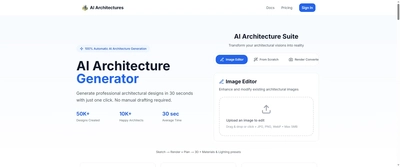
AI Architectures interface showcasing concept generation capabilities
2. Arkdesign AI
Best For: Professional concept development
Key Features: Advanced customization, architectural-specific training, high-resolution outputs
Why It Stands Out: Trained specifically on architectural projects, delivering more technically accurate and design-conscious results.
👉 Learn more: Arkdesign AI
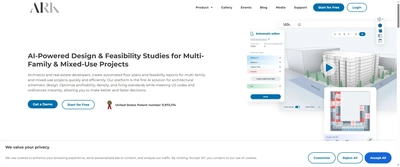
Arkdesign AI professional concept development interface
3. Maket AI
Best For: Iterative design development
Key Features: Real-time collaboration, project management integration, style consistency
Why It Stands Out: Balances ease of use with professional control, making it ideal for design teams.
👉 Learn more: Maket AI
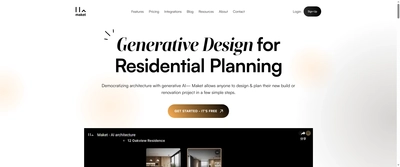
Maket AI collaborative design development platform
Layout Optimization Specialists
4. TestFit
Best For: Commercial space planning
Key Features: Automated space configuration, feasibility analysis, metric calculations
Why It Stands Out: Industry leader in retail and commercial layout optimization with data-driven insights.
👉 Try it now: TestFit

TestFit demonstrating automated space planning capabilities
5. Floorplan AI
Best For: Residential space planning
Key Features: Room optimization, furniture placement, traffic flow analysis
Why It Stands Out: Specialized focus on residential layouts with intuitive user experience.
👉 Learn more: Floorplan AI

Floorplan AI residential space planning interface
Visualization Powerhouses
6. MyArchitect AI
Best For: Quick client presentations
Key Features: One-click rendering, style transfer, background removal
Why It Stands Out: Exceptional speed with surprisingly high-quality outputs, perfect for rapid iteration.
👉 Try it now: MyArchitect AI
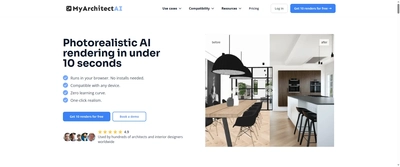
MyArchitect AI one-click rendering interface
7. Arko AI
Best For: Professional visualization
Key Features: Photorealistic rendering, material accuracy, lighting simulation
Why It Stands Out: Delivers studio-quality renders with minimal input, rivaling traditional rendering studios.
👉 Learn more: Arko AI

Arko AI professional visualization interface
8. Visualizee AI
Best For: Design exploration
Key Features: Style variations, quick iteration, sketch enhancement
Why It Stands Out: Excellent for exploring multiple design directions quickly during the development phase.
👉 Try it now: Visualizee AI
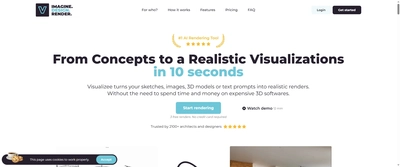
Visualizee AI design exploration interface
Interior Design Experts
9. Home Design AI (Free)
Best For: Interior space planning
Key Features: Room redesign, furniture placement, material selection
Why It Stands Out: Offers comprehensive interior design capabilities at no cost, making AI accessible to everyone.
👉 Try it now: Home Design AI
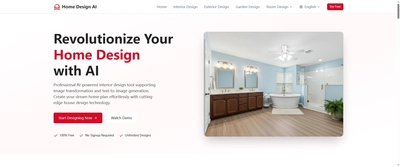
Home Design AI free interior planning interface
10. RoomGPT
Best For: Quick room transformations
Key Features: Photo-to-design conversion, multiple style options, instant results
Why It Stands Out: Simplicity meets effectiveness – perfect for rapid interior design visualization.
👉 Try it now: RoomGPT
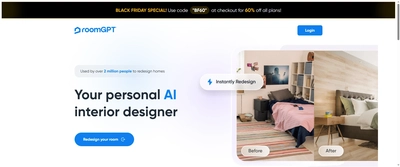
RoomGPT quick room transformation interface
Mid-Range Tools (Ease of Use: ⭐⭐⭐⭐): TestFit, MyArchitect AI, Maket AI
Professional Tools (Ease of Use: ⭐⭐⭐): Arko AI, Arkdesign AI, Visualizee AI
How to Choose Your AI Tool Stack
The effectiveness of AI tools depends heavily on proper selection and integration. Here's a strategic approach to building your AI toolkit:
Assessment Criteria
When evaluating AI tools, consider these factors:
- Integration Capability: How well does it work with your existing workflow?
- Learning Curve: How quickly can your team become productive?
- Output Quality: Does it meet your professional standards?
- Cost-Effectiveness: Does the ROI justify the investment?
Recommended Combinations by Practice Size
For Individual Architects:
Starter Stack (Free): AI Architectures + Home Design AI
This combination covers both exterior concept generation and interior design without any cost, perfect for building AI proficiency.
For Small Firms (2-10 Architects):
Efficiency Stack ($50-100/month): Arkdesign AI + TestFit + MyArchitect AI
This stack provides professional-grade tools for concept development, space planning, and visualization.
For Large Firms (10+ Architects):
Enterprise Stack ($300-500/month): Full suite including Arko AI for premium visualization
Comprehensive coverage with premium tools and enterprise support for large-scale implementation.
Implementation Strategy
Phase 1: Experimentation (1-2 weeks)
- Start with free tools (AI Architectures, Home Design AI)
- Test on non-critical projects
- Establish quality benchmarks
Phase 2: Integration (2-4 weeks)
- Select 1-2 paid tools based on your assessment
- Train core team members
- Develop internal best practices
Phase 3: Scale (1-2 months)
- Roll out across the organization
- Integrate with existing workflows
- Establish ROI metrics
Common Pitfalls to Avoid
1. Tool Overload
Resist the temptation to adopt every new AI tool. Mastering 2-3 tools thoroughly is more valuable than superficial knowledge of 10+ tools.
2. Quality Compromise
Don't sacrifice design quality for speed. Use AI as an enhancement tool, not a replacement for design thinking and professional judgment.
3. Workflow Disruption
Integrate AI tools gradually to avoid disrupting existing workflows. Start with complementary tools that enhance rather than replace current processes.
Looking Ahead: 2025 and Beyond
The AI architecture tools landscape will continue evolving rapidly. Key trends to watch:
Increased Integration
AI tools will become more deeply integrated with BIM software, CAD platforms, and project management systems.
Enhanced Customization
Tools will offer more sophisticated training options, allowing firms to create AI models specifically trained on their design preferences and project types.
Real-time Collaboration
Cloud-based AI tools will enable real-time collaboration on AI-generated designs, transforming how teams work together.
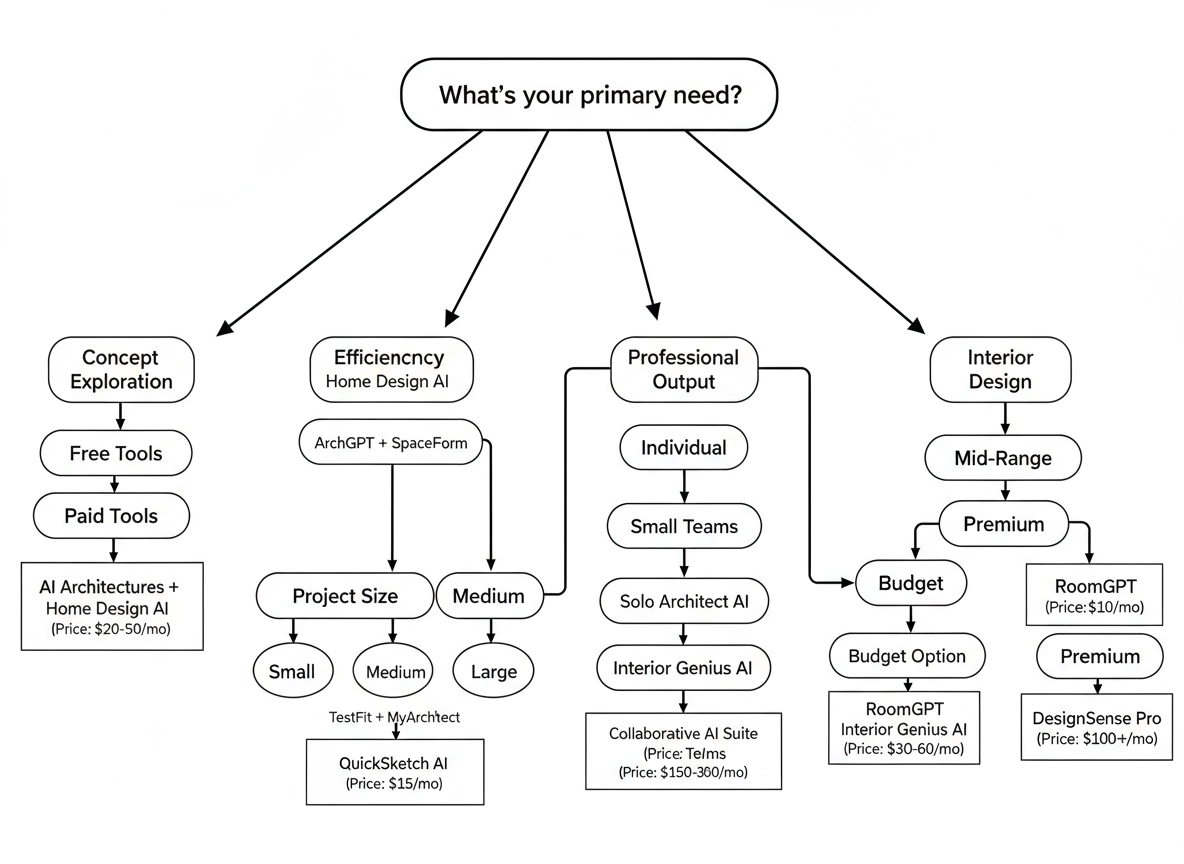
Decision tree for choosing the right AI architecture tools based on your specific needs
Conclusion
The 10 AI tools highlighted in this guide represent the current state of the art in architectural AI. Each offers unique strengths and applications, from free concept generation tools to professional-grade visualization platforms.
Success in 2025 will depend not on adopting all available tools, but on strategically selecting and mastering the solutions that best serve your specific practice needs. Start with free options to build understanding, then gradually incorporate paid tools as you demonstrate ROI and develop expertise.
The future of architecture is here, and it's powered by artificial intelligence. By embracing these tools thoughtfully and strategically, architects can enhance their creativity, improve efficiency, and deliver better value to clients than ever before.
👉 Ready to explore these tools? Visit our comprehensive directory for detailed reviews, tutorials, and implementation guides: ArchAITool.com